Knowledge base
Reception and guide robots: common problems and fixes
Reception and guide robots talk to visitors through microphones, a screen and a network connection. Most issues come from noise, the network or the app on the screen.
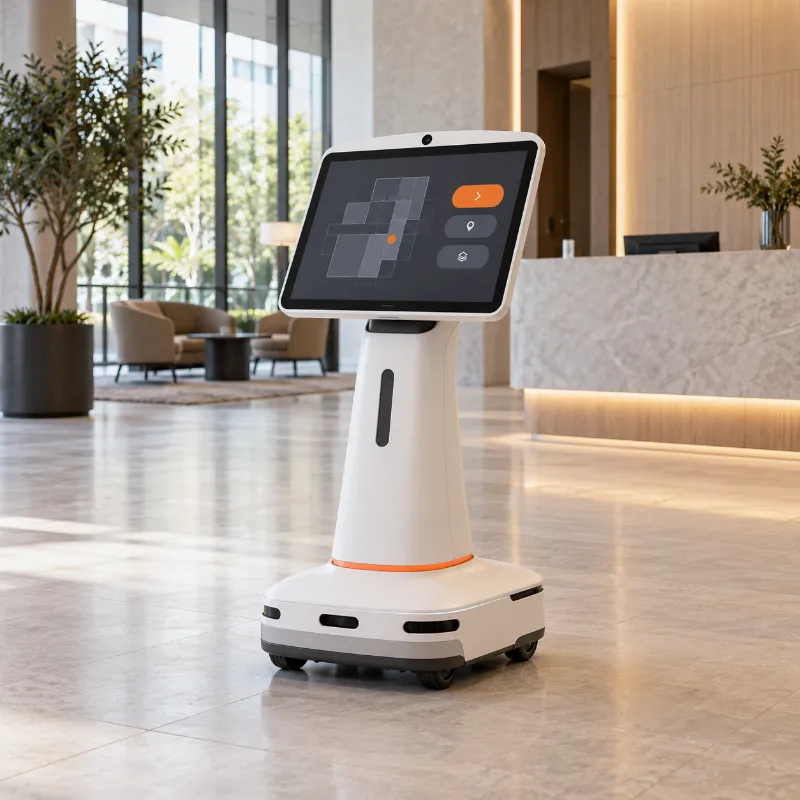
Where you meet them
Banks, museums, showrooms, hospitals, airports
Doesn't hear or understand visitors
Noise, blocked microphones, wrong language or no network for speech recognition.
Likely causes
- Loud music or crowd noise
- Microphones covered by a sticker, case or dust
- Wrong language selected
- Network problems, if speech recognition runs in the cloud
Try this first
- 1 Check the language setting.
- 2 Make sure the microphone openings are not covered.
- 3 Try speaking closer in a quieter moment.
- 4 Check the robot's network status.
Call a technician if:It doesn't react to speech at all, even in a quiet room.
Run guided diagnosisScreen or app freezes
Usually software. A restart or an update helps in most cases.
Likely causes
- App crash
- Outdated software
- Low storage space
Try this first
- 1 Restart the robot as described in the manual.
- 2 Check for a software update in the settings.
Call a technician if:It freezes again within a day after restart and update.
Run guided diagnosisVideo calls with staff drop or lag
Bandwidth and Wi-Fi coverage where the robot stands.
Likely causes
- Weak Wi-Fi at the robot's usual spot
- Busy network at peak hours
- Firewall blocking parts of the video service
Try this first
- 1 Check Wi-Fi strength at the robot's spot with a phone.
- 2 Try a call at a quieter hour.
Call a technician if:Calls fail everywhere in the building.
Run guided diagnosisGeneral guidance for any brand. Always follow your robot's manual first. Never open the battery compartment or the robot's body, and keep the manufacturer's warranty in mind.