Brands
Nilfisk robot support and troubleshooting
Independent guides for 1 Nilfisk models: common problems, what staff can check first and when to call a technician.
Independent support. Robulance is not affiliated with or endorsed by Nilfisk.
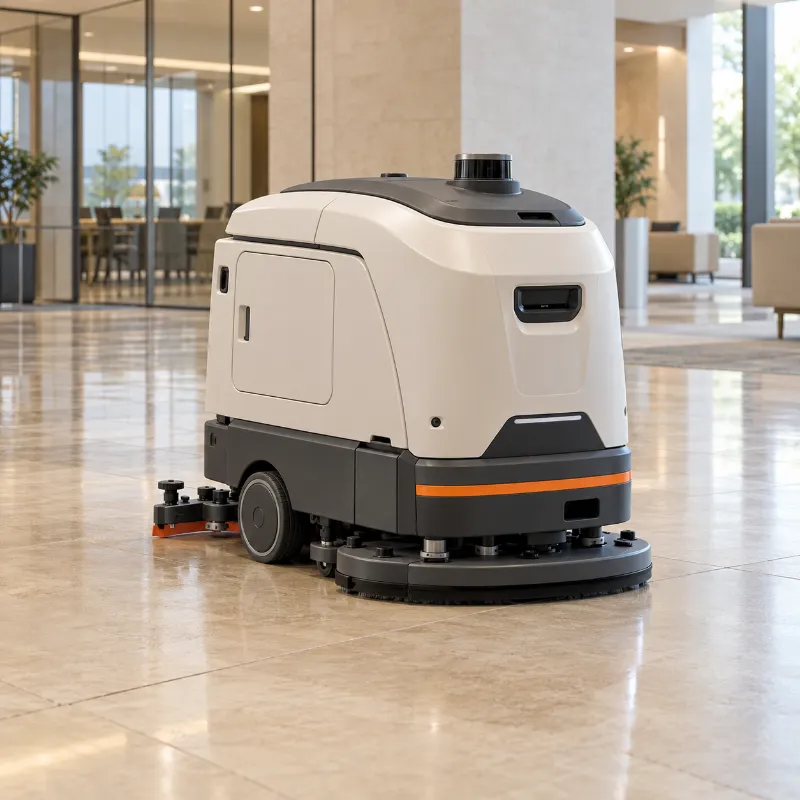
Commercial cleaning robots
Floor scrubbers and vacuums for malls, airports, offices and warehouses.
| Model | Liberty SC50 |
|---|---|
| Screen | 15″ |
Common problems
- Won't return to the dock or doesn't chargeUsually dirty charging contacts, a moved or blocked dock, or a robot that lost its position on the map.
- Leaves streaks or water on the floorThe squeegee or the recovery side of the robot is not picking the water back up.
- Stops and reports an obstacle in open spaceThe robot "sees" something that is not there: dirty sensors, reflections or strong sunlight.
- Gets lost or can't find its positionThe building no longer matches the robot's map.
- Brush doesn't spin or there is a burning smellWrapped hair and string are the usual cause. A burning smell means stop now.
Nilfisk robots: questions and answers
Is Robulance an official Nilfisk service?
No. Robulance is independent and is not affiliated with or endorsed by Nilfisk. Our guides give general, symptom-based advice; warranty repairs and official service go through Nilfisk or its distributor.
Where can I find the Nilfisk manual?
The operation guide and service manual come from Nilfisk. Ask your distributor or check the manufacturer's support pages, and keep the robot's serial number at hand. We do not publish manufacturer manuals; our guides are written independently.
What should I do if a Nilfisk robot stops working?
Open the guide for its robot type on this page and follow the safe checks staff can do without opening the robot. If you see smoke, smell burning or notice a swollen battery, switch the Nilfisk robot off and call a technician. You can also describe the problem to our AI assistant.