LG CLOi CarryBot: troubleshooting and manual
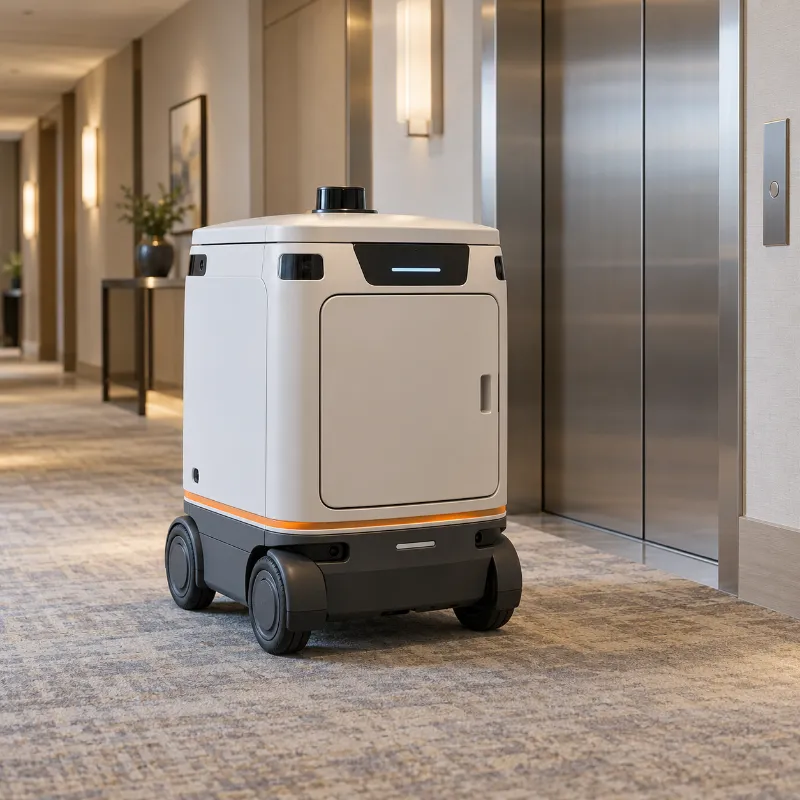
LG CLOi CarryBot is a LG robot of the “Hotel and indoor delivery robots” type. Its most common problems: Can't call or use the elevator; Goes offline or doesn't connect to Wi-Fi; Delivery compartment won't open. Below, for each one: what staff can safely check first and when to call a technician.
Guides specific to this model, such as error codes and procedures from the official manual, are in preparation.
Independent support. Robulance is not affiliated with or endorsed by LG.
Common problems
Can't call or use the elevator
Elevator integration depends on the elevator, the network and its controller.
Read the full guide
Goes offline or doesn't connect to Wi-Fi
Changed network settings or weak spots in the building.
Read the full guide
Delivery compartment won't open
Usually a PIN or lock state, sometimes a mechanical jam.
Read the full guide
Gets stuck at a door or threshold
The building has a step or door the robot was not set up for.
Read the full guide
Specifications
Discontinued by the manufacturer. Owners still need support and spare parts.[1]
What this means for troubleshooting
- LiDAR navigation: dust on the LiDAR window and glass or mirrors cause phantom obstacles.
- Depth cameras: dirty lenses and strong sunlight cause false stops.
- Returns to its dock by itself: if it does not, check the dock and the contacts.
Compare with similar models
| Model | LG CLOi CarryBot | Pudu FlashBot | Keenon W3 |
|---|---|---|---|
| Dimensions | 51 × 51 × 148 cm | 53.9 × 51.5 × 105 cm | 45.9 × 54.9 × 108.1 cm |
| Weight | — | 55 kg | 48 kg |
| Payload | 30 kg | 30 kg | 20 kg |
| Load per tray | — | 15 kg | — |
| Trays | 2 | — | — |
| Compartments | — | 1–2 | ≤ 4 |
| Runtime | ≈ 18.5 h | 12 h | ≤ 12 h |
| Charging time | 6 h | 4.5 h | 6.5 h |
| Speed | — | 0.5–1.5 m/s | ≤ 0.8 m/s |
Each value links to its source: the manufacturer's page or documentation. Checked against sources: October 16, 2026.
Where to find the official manual
The operation guide and service manual come from LG. Ask your distributor or check the manufacturer's support pages, and keep the robot's serial number at hand. We do not publish manufacturer manuals; our guides are written independently.
Manufacturer website: lg.com